Make Animations with FlashFX
Both for beginners and experts
Make your first animations in seconds. Describe and go!
Total technical depth and personalisation, to unleash your full creative potential.
Edit in plain English
FlashFX is built for an AI to drive. Describe what you want and Claude works the editor itself: the same canvas, keyframes and properties you would touch, left behind for you to take over.
AI features are included with Pro and Ultra.
From simple designs
To full scale animations
Organized workflow
Media pool
Clip timeline
Animation timeline
Interactive canvas
A low-latency canvas lets you edit without timeline mess.
Drag anything on the canvas
Features
Creative freedom
Fast shape creation
Drag one out and it is on the canvas. Every primitive is live from the moment it exists, ready to be animated like anything else.
- Rectangle
- Circle
- Star
- Polygon
Audio and video support
Footage and sound sit on the same timeline as your graphics, so what you animate and what you hear stay in step.
- Import video with GPU-accelerated playback
- Trim, offset, transform and filter clips
- Unlimited audio tracks with waveform view
- Fade in and out, per-clip volume, solo and mute
Vector tool support
Place points, pull the handles, and the curve follows. Grab one below and it is yours to bend.
Yes, also 3D, for free
Import 3D models, animate them in real time, and export with lighting and effects: all in a browser tab, with nothing to install.
3D Models
Import and animate any 3D object
Real-time
See changes instantly as you create
Almost forgot… particle generation too
Fire, smoke, magic, confetti, and any emitter you build yourself. Change anything on the left and it updates as you drag.
Can it do procedural animations too? Say less!
Flat layers, and a 2.5D camera that moves through them
Stand your layers at different depths and push a real camera through them. Nothing is redrawn: the near ones sweep past, the far ones barely shift, and flat artwork becomes a scene with somewhere to go.
This is the hardest thing we have put in a browser tab, and one of the biggest things the web has been able to do with motion.
Not sure where to start? Start with a template!
Ten tutorial templates, from beginner to absolute monstrosity. See what FlashFX can do, right up to its limits.
 Scenes
 Scenes
 Scenes
 Scenes







All on web
See what it looks like
Real projects built in FlashFX. Drag a row to explore, or click any one to open it.
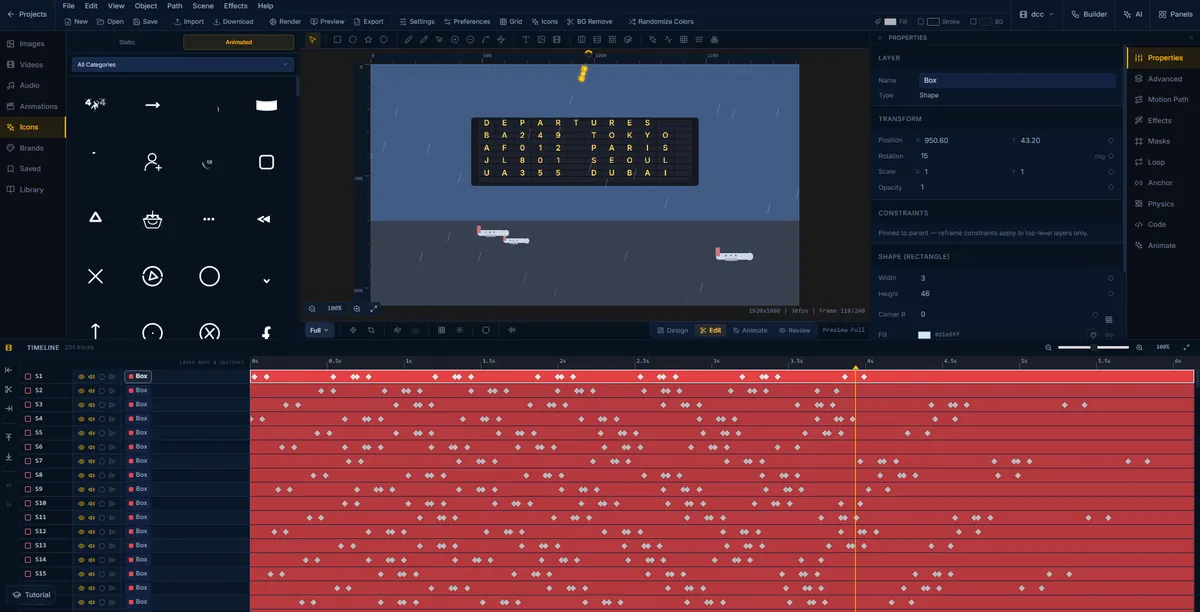
An airport departure board animation being built in FlashFX, its split-flap letters keyframed across 234 timeline tracks
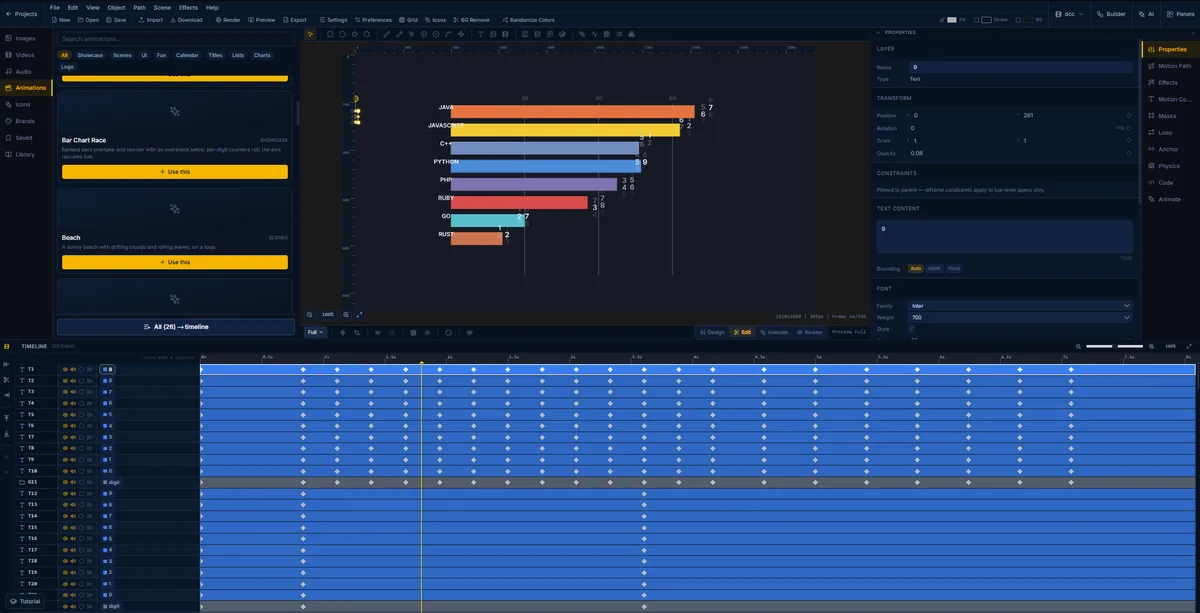
A bar chart race in FlashFX with the animation template browser open, showing Bar Chart Race and Beach among the presets
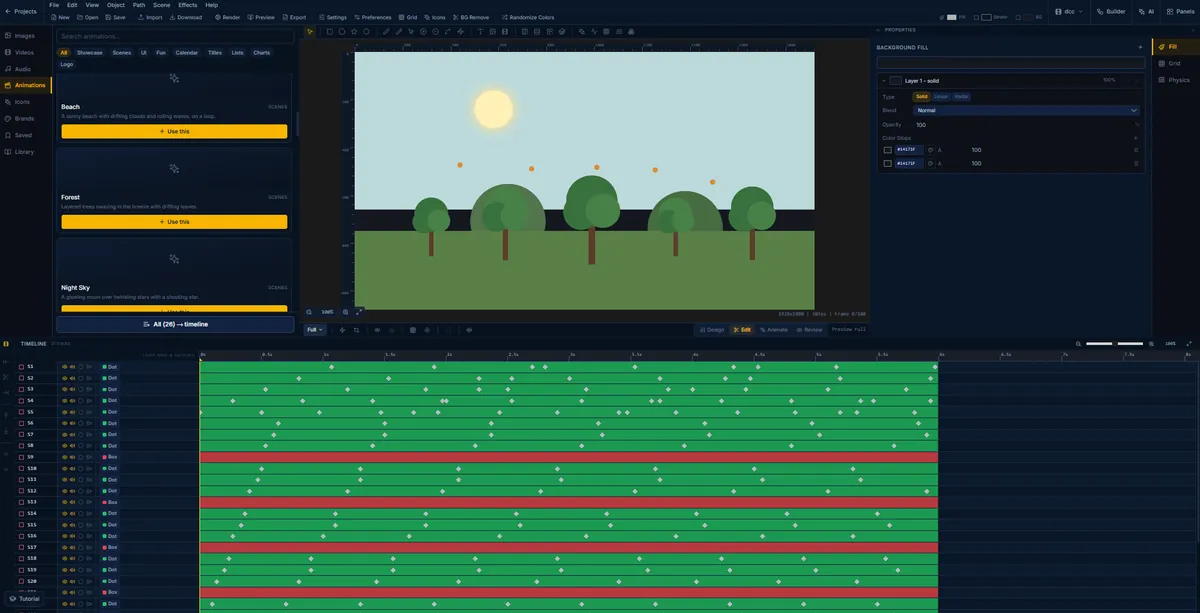
A layered forest scene in FlashFX, trees swaying on their own keyframed tracks
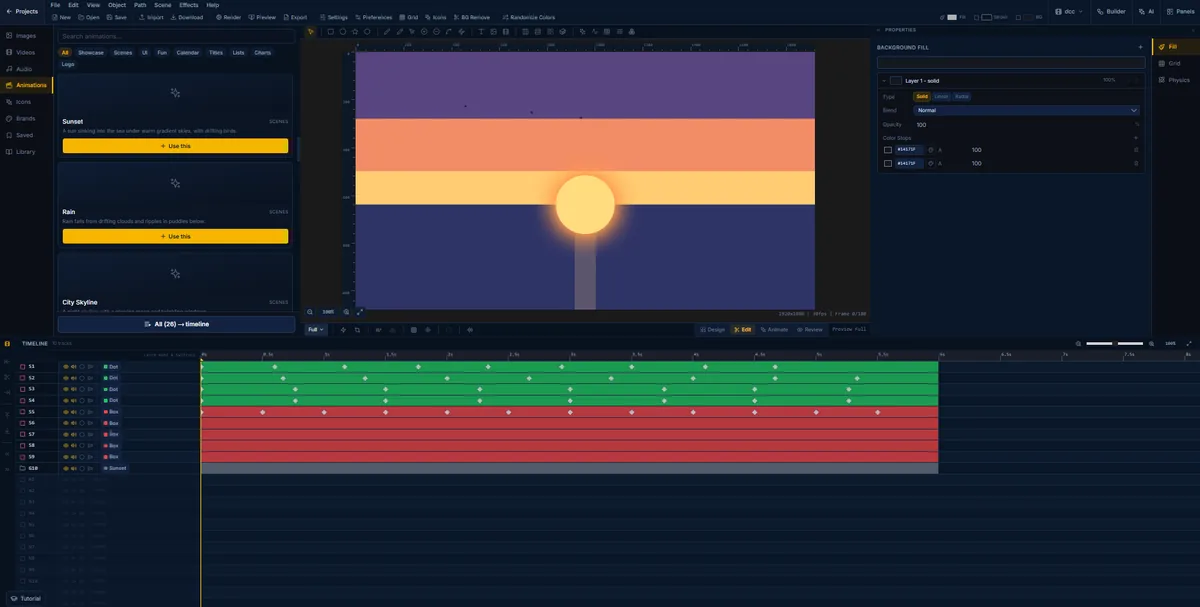
A sunset scene in FlashFX with its ten-track timeline, dot and box layers animating the sun and its reflection
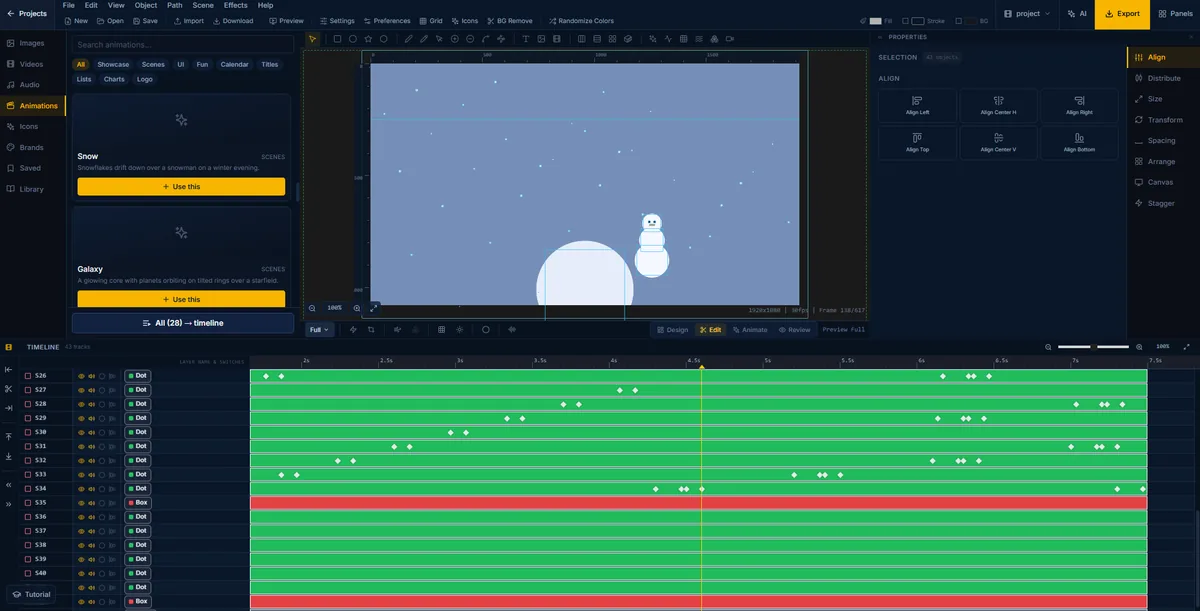
A winter scene in FlashFX, snow drifting past a snowman across forty-three timeline tracks
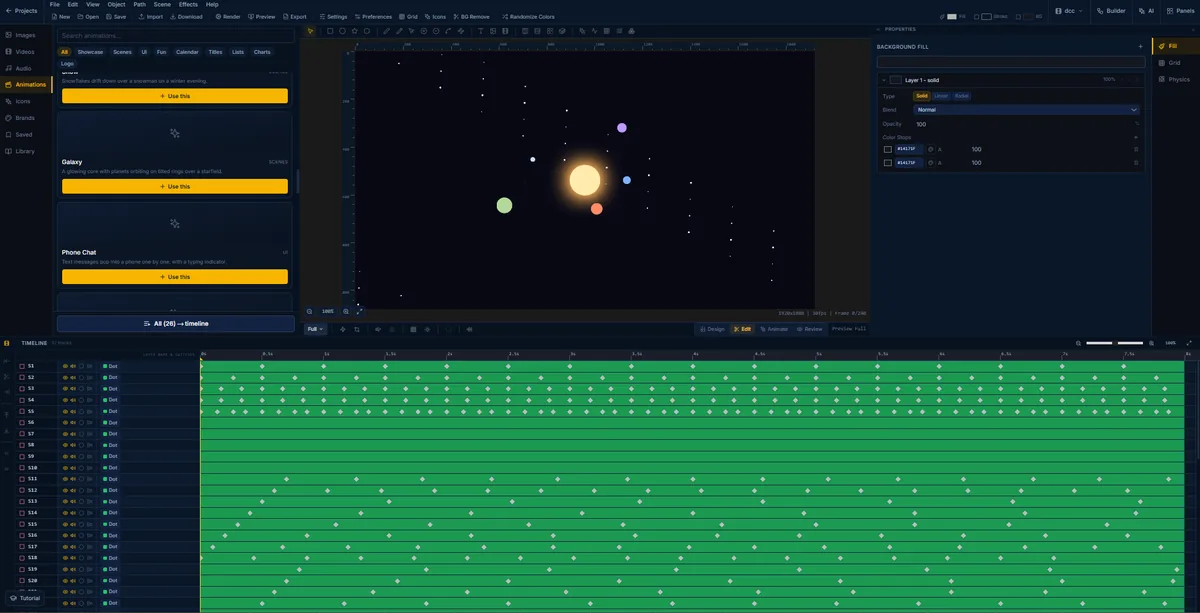
A galaxy scene in FlashFX with fifty-seven layers, planets held on tilted orbital rings over a starfield
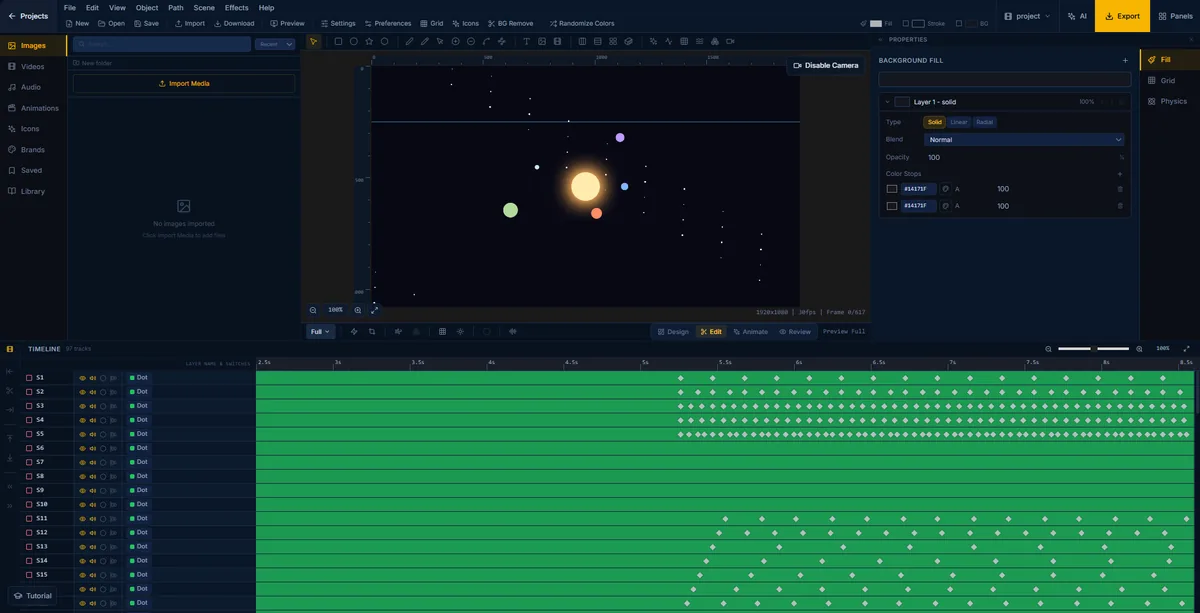
A solar system animation in FlashFX with the scene camera enabled, ninety-seven layers running over a 617-frame timeline
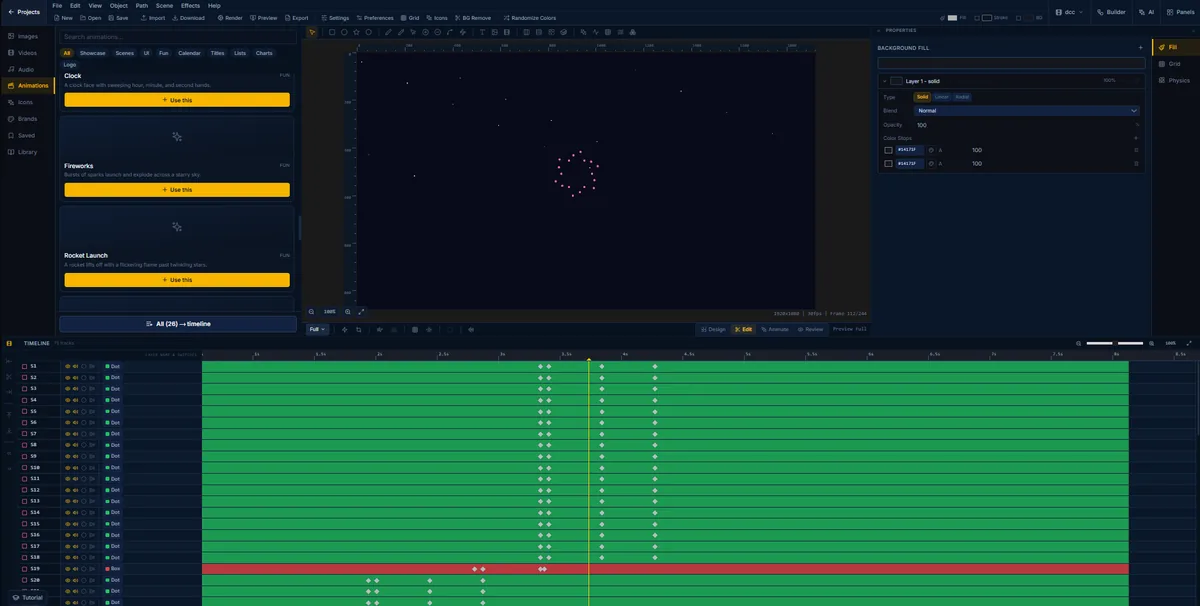
A firework mid-burst in FlashFX, a ring of pink sparks expanding over a dark sky on seventy-five tracks
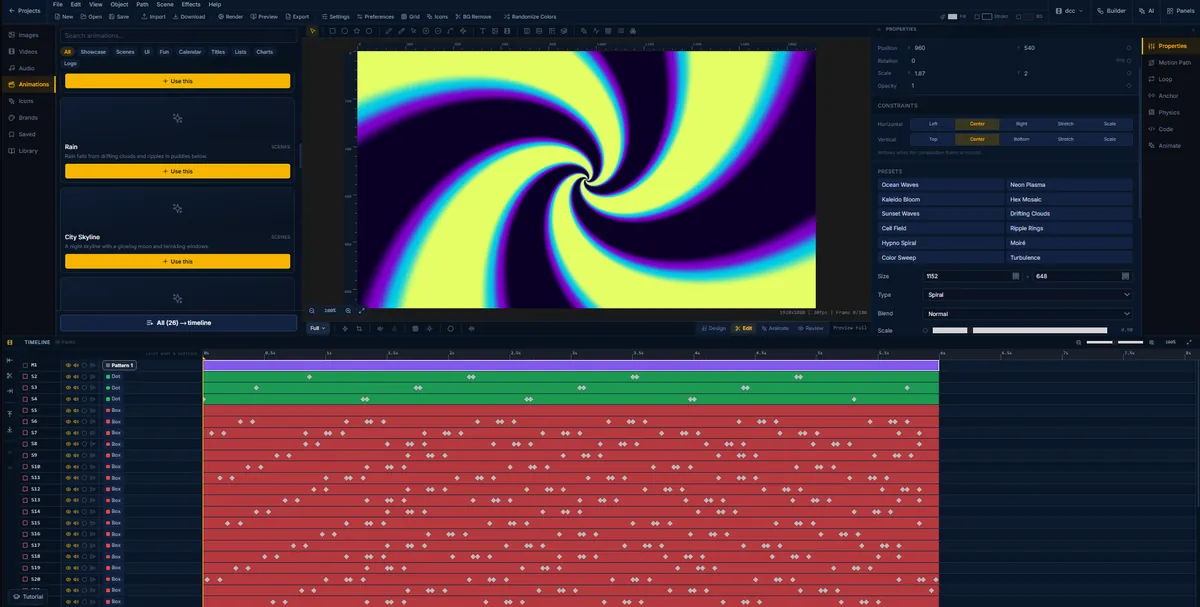
A hypnotic spiral pattern generated in FlashFX, with the pattern presets and parameters open
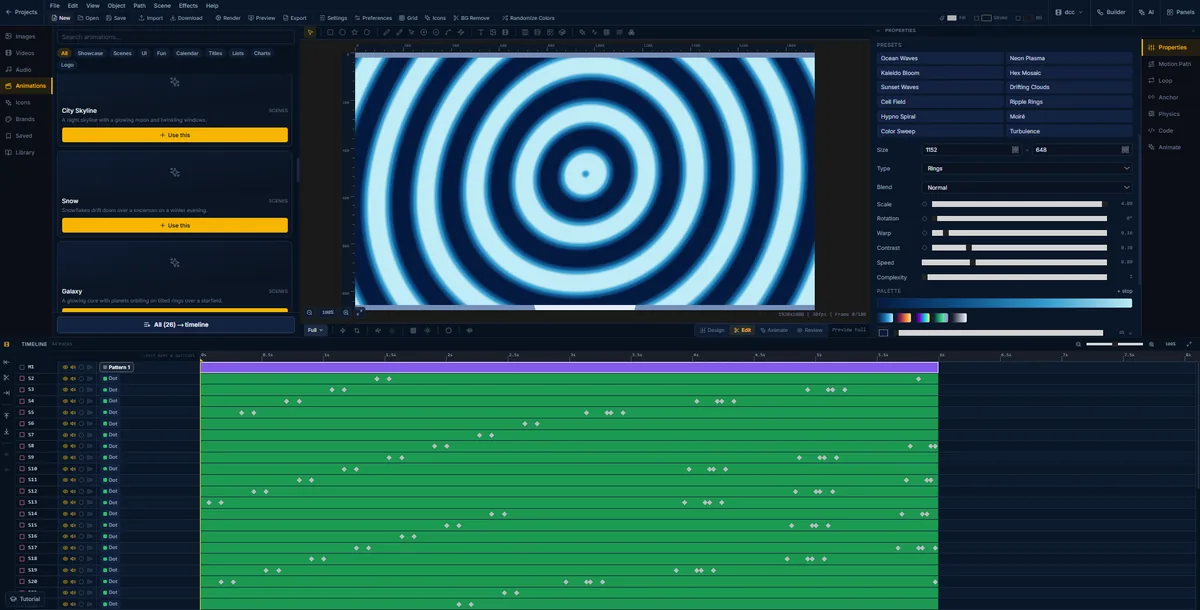
A ripple ring pattern in FlashFX with its scale, rotation, warp, contrast, speed and complexity sliders and a colour palette
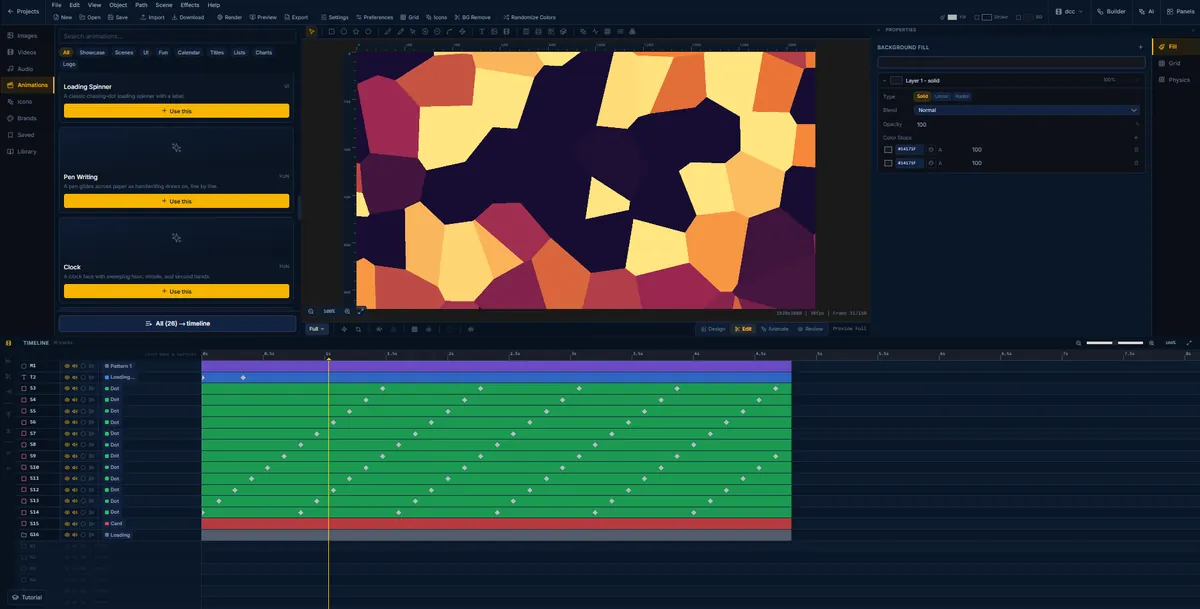
A cell field pattern in FlashFX, warm Voronoi shapes animating over a loading title
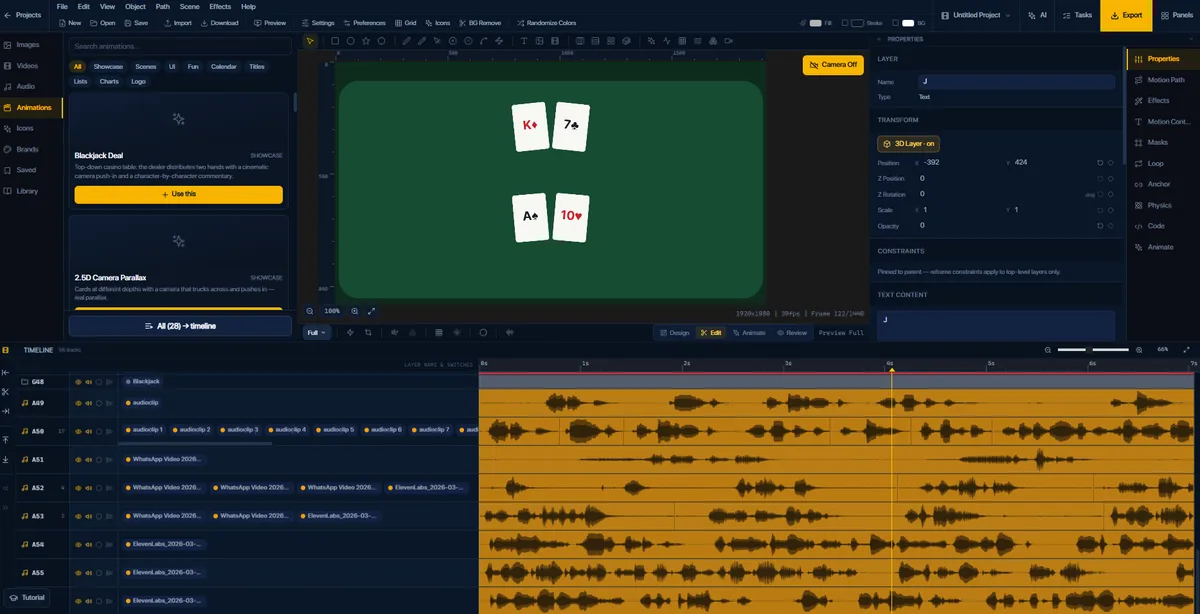
A top-down blackjack deal in FlashFX with cards on a green table and eight voiceover tracks laid out as waveforms below
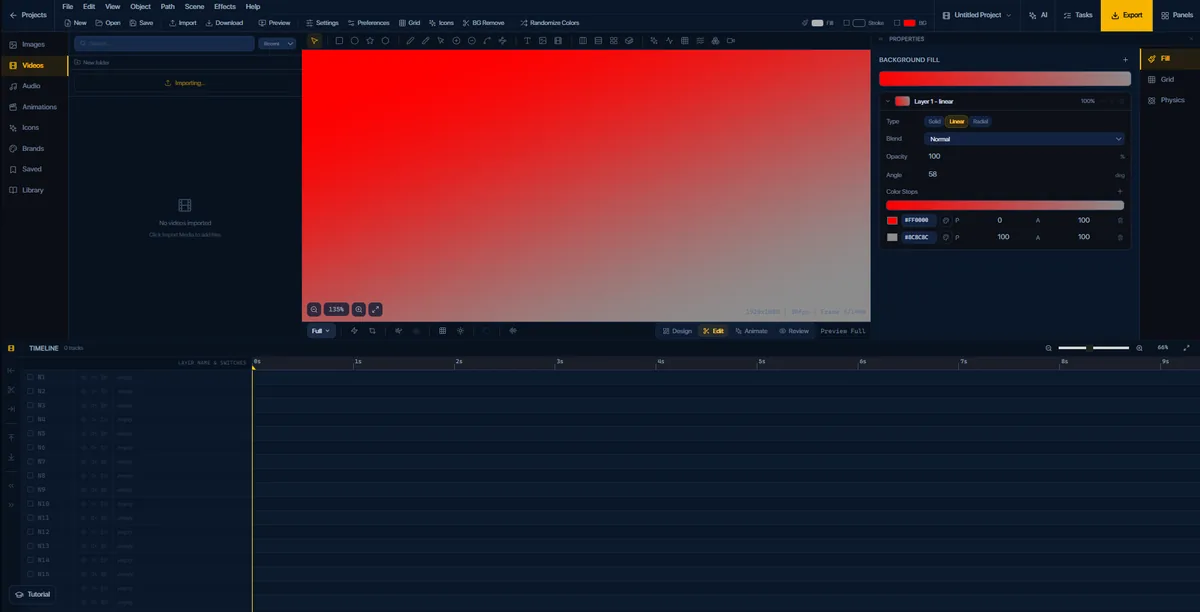
A linear gradient background being edited in FlashFX, angle and colour stops set on a red to grey ramp

The same departure board scene in FlashFX with planes taxiing through rain, the built-in icon library open on the left
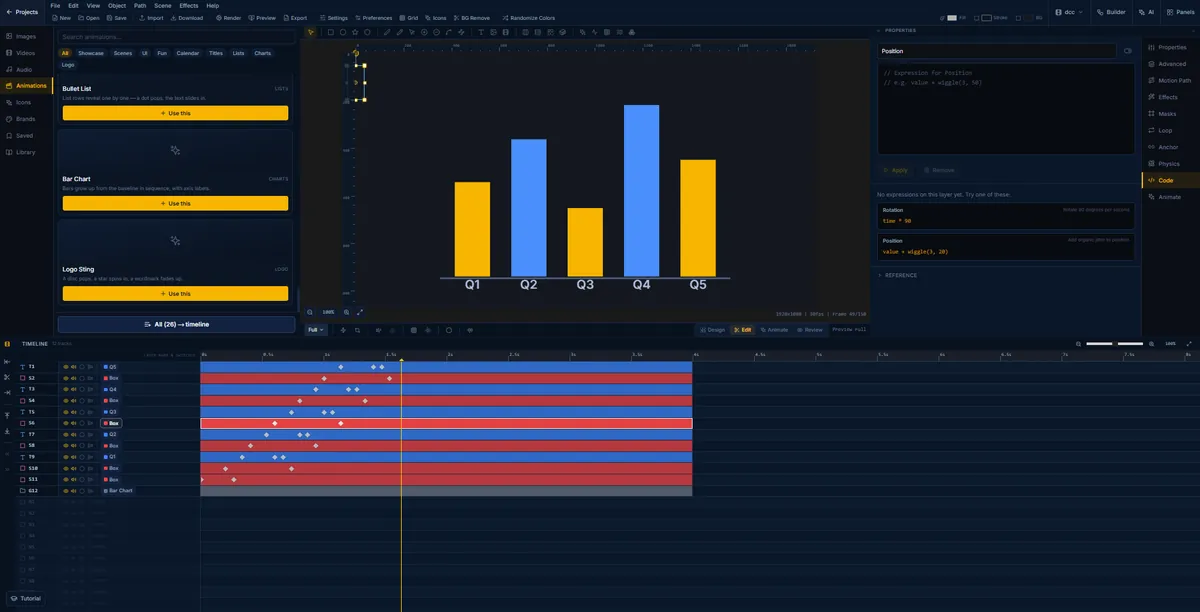
A quarterly bar chart in FlashFX with the expressions panel open, driving position with a wiggle expression
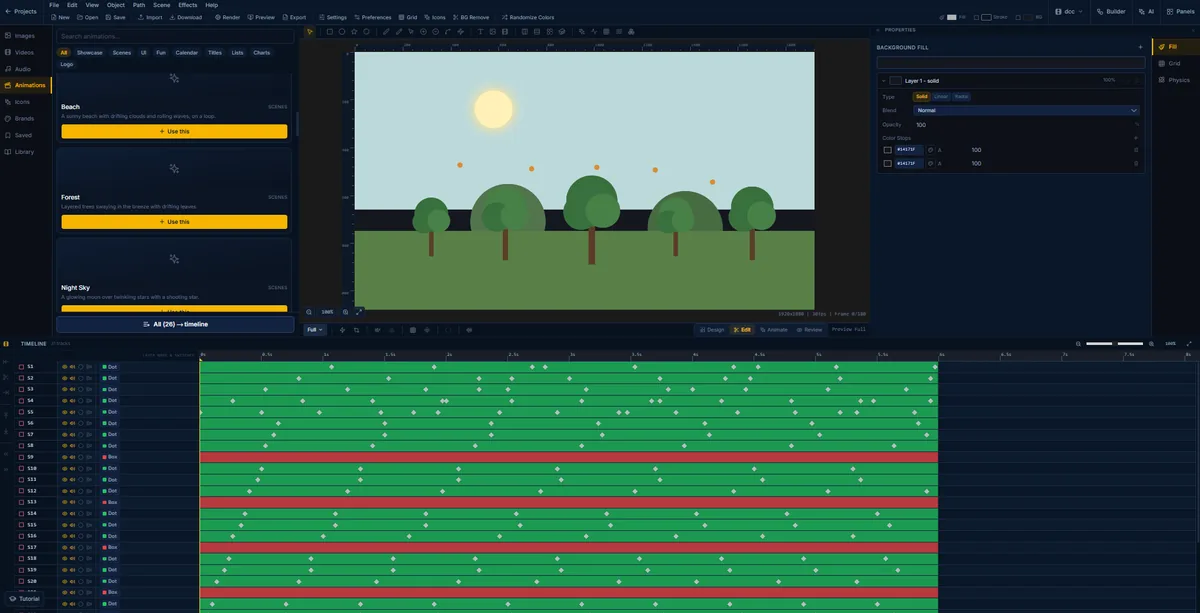
A daytime forest scene in FlashFX with the background fill panel open on its solid colour stops
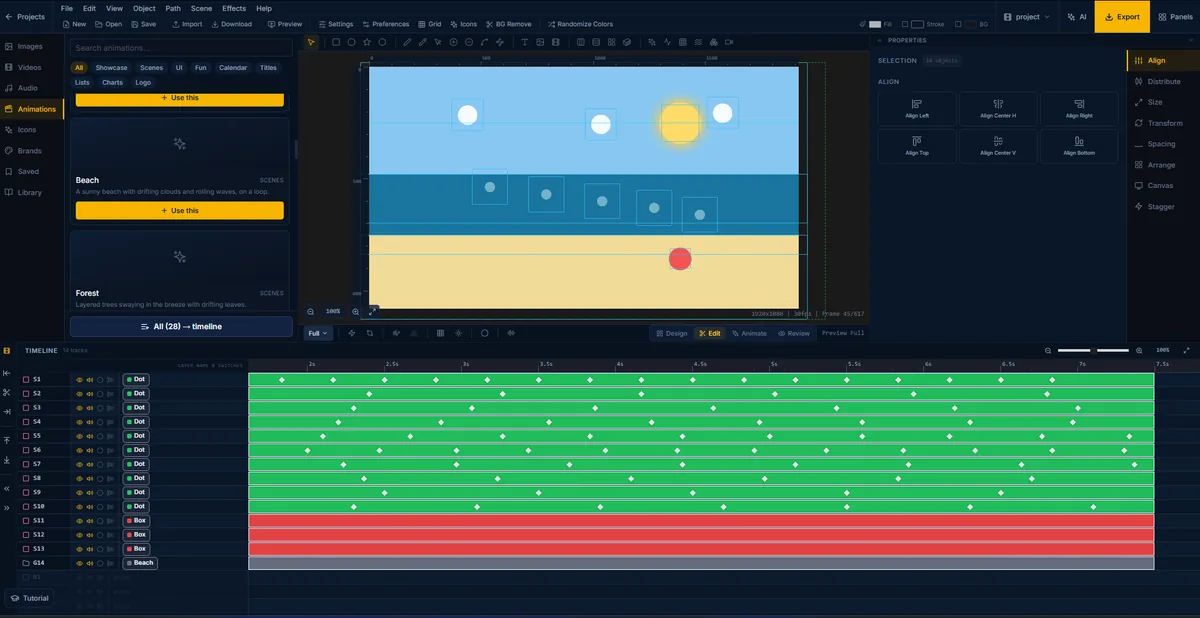
A beach scene in FlashFX with sky, sea and sand bands, fourteen objects selected and the align panel open
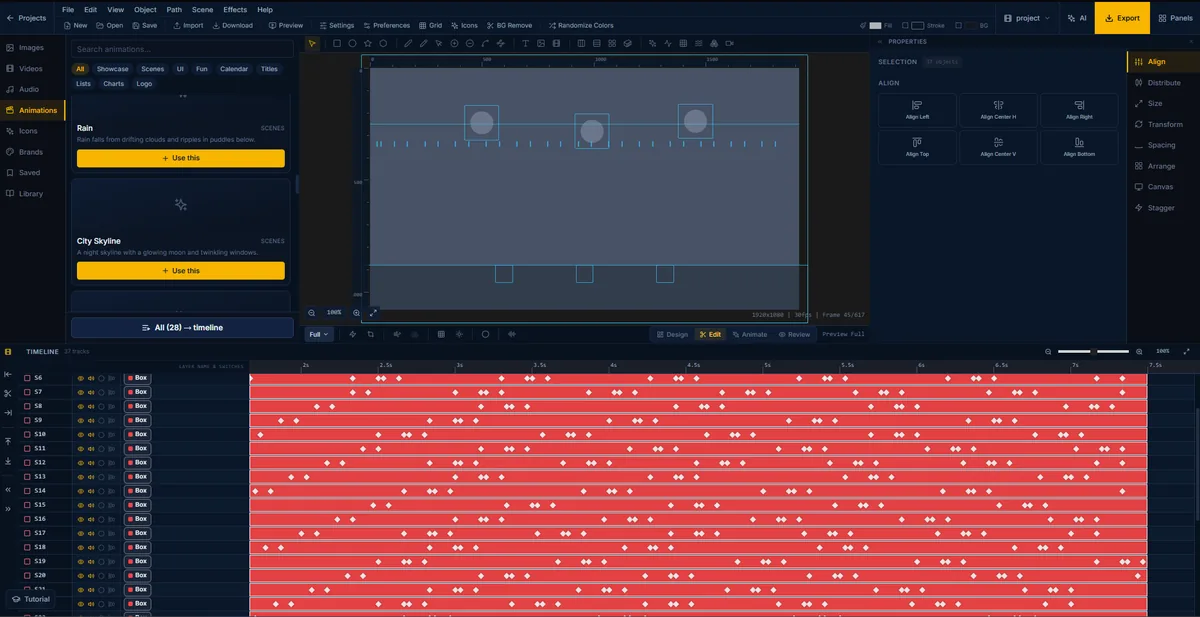
A rain scene in FlashFX with thirty-seven objects selected, showing the raindrop and puddle layers as outlines
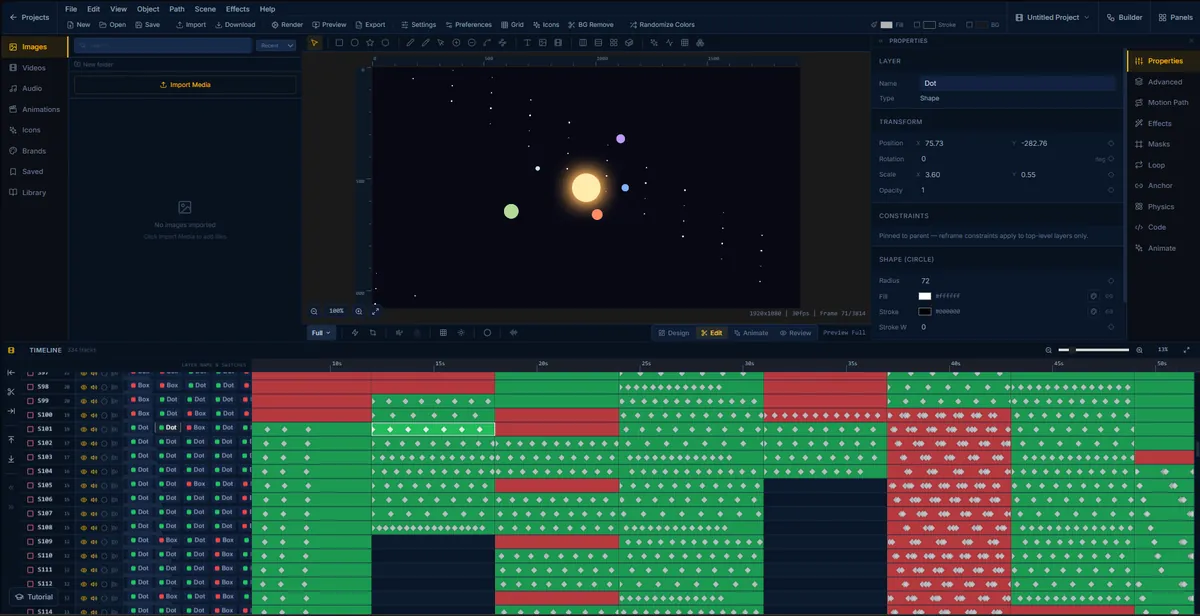
A long galaxy animation in FlashFX zoomed out to show all 334 timeline tracks at once
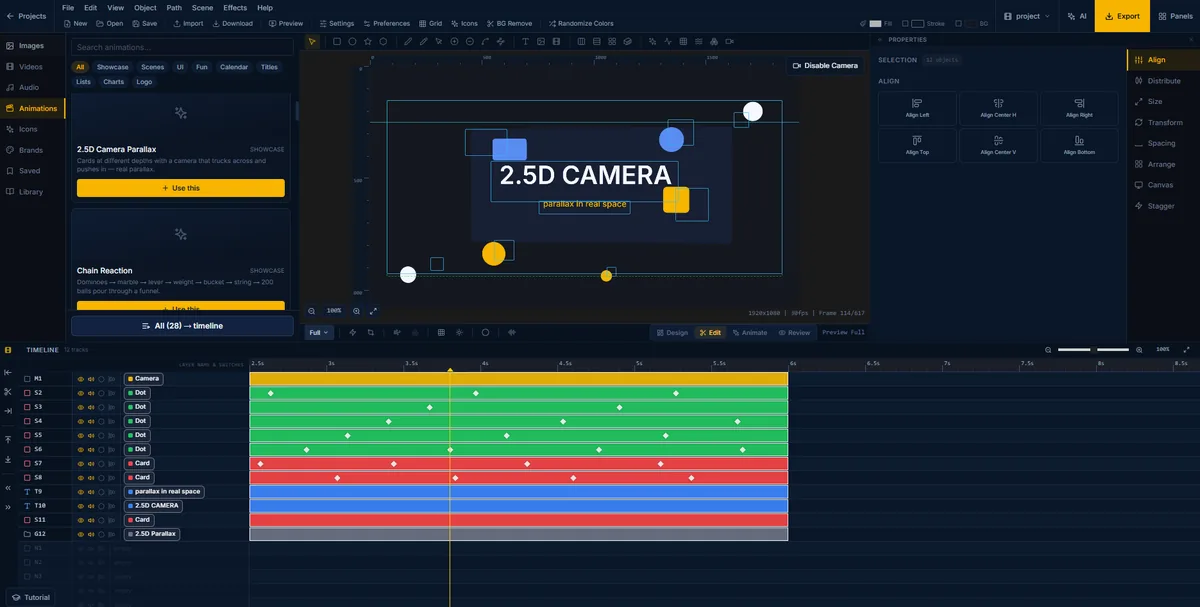
The 2.5D camera parallax showcase in FlashFX, flat cards at different depths with a camera trucking across and pushing in
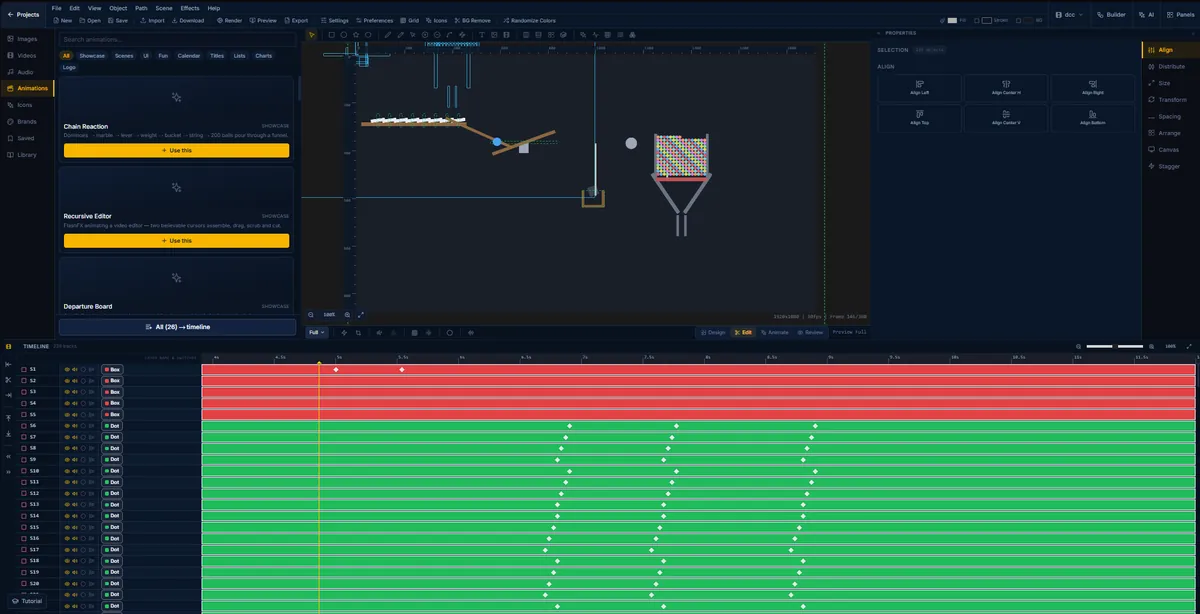
A chain reaction animation in FlashFX: dominoes into a marble, a lever, a bucket and 200 balls through a funnel
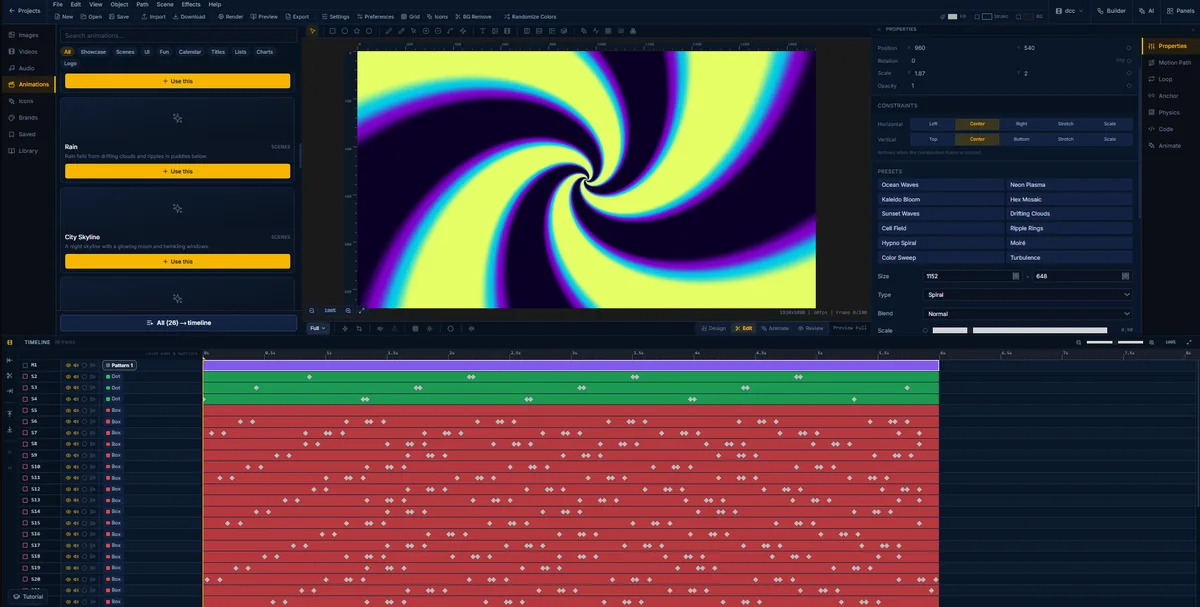
A yellow and violet spiral generated in FlashFX, with twelve pattern presets listed beside it including Ocean Waves and Moire
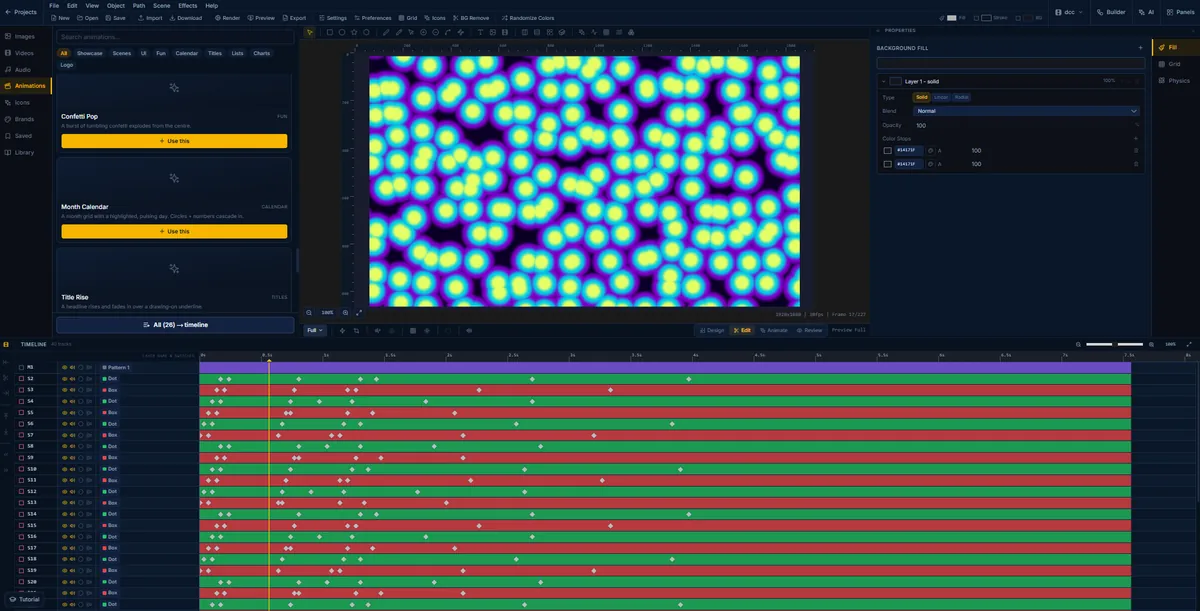
A neon plasma pattern in FlashFX, glowing cells drifting across the canvas
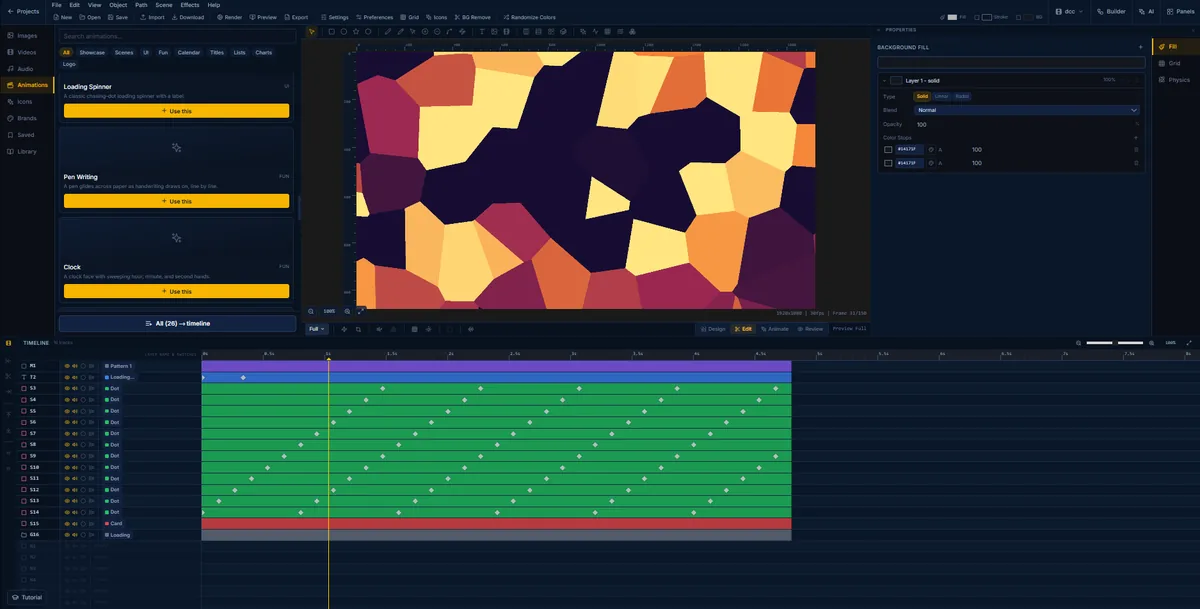
A Voronoi cell field in FlashFX in amber and plum, generated as a pattern layer over a loading spinner
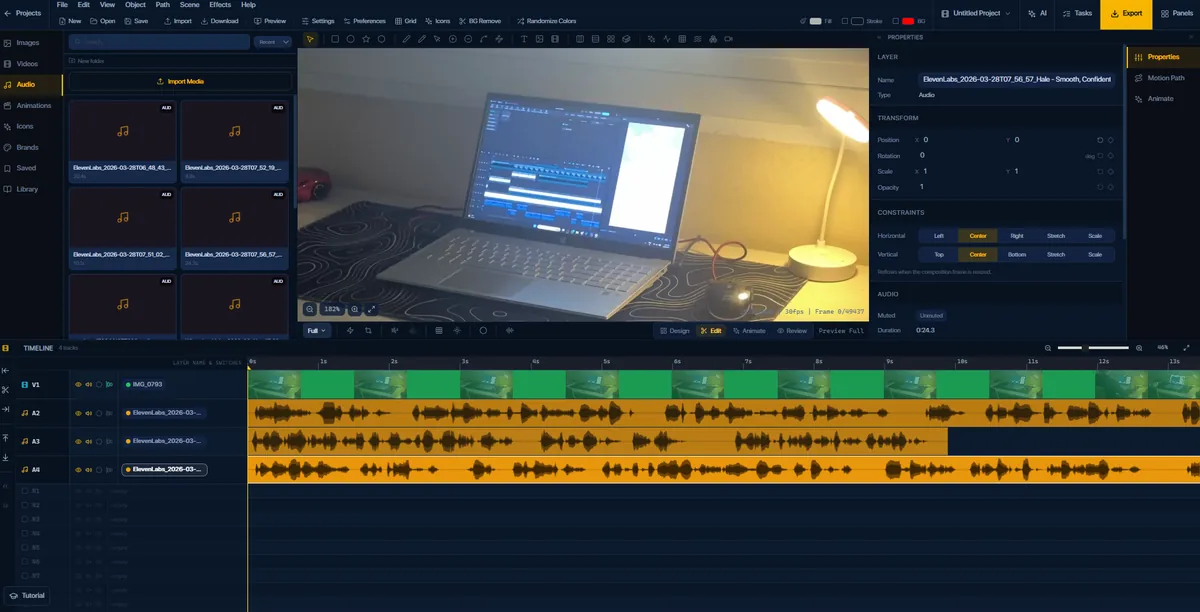
Imported footage of a laptop playing on the FlashFX canvas with three voiceover clips on separate audio tracks
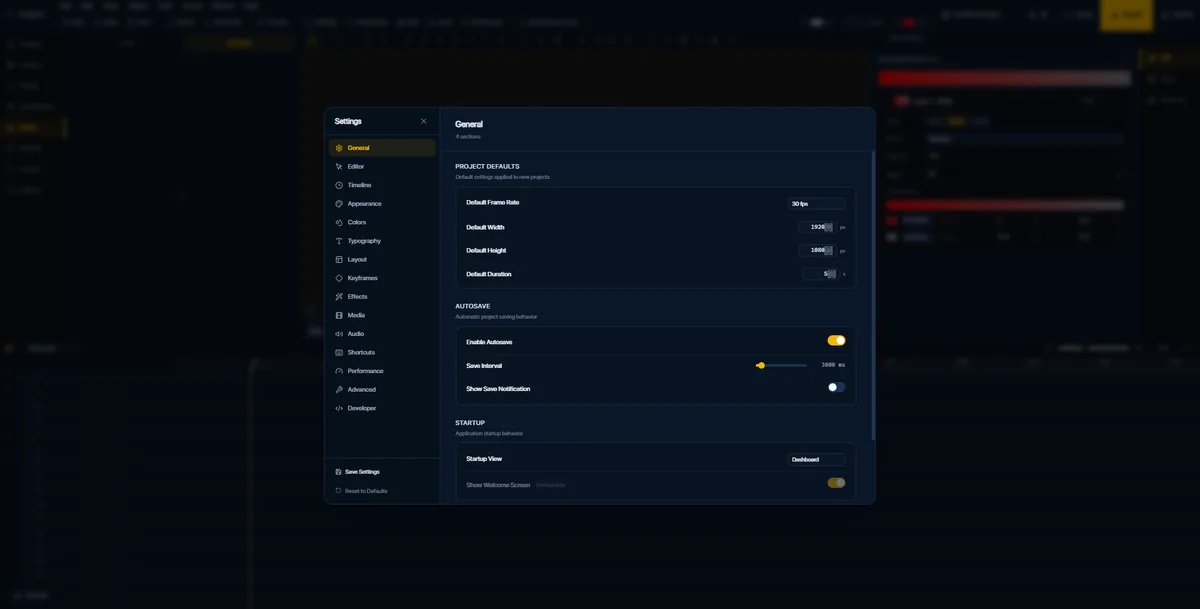
The FlashFX project settings dialog showing frame rate, canvas size, default duration and autosave interval
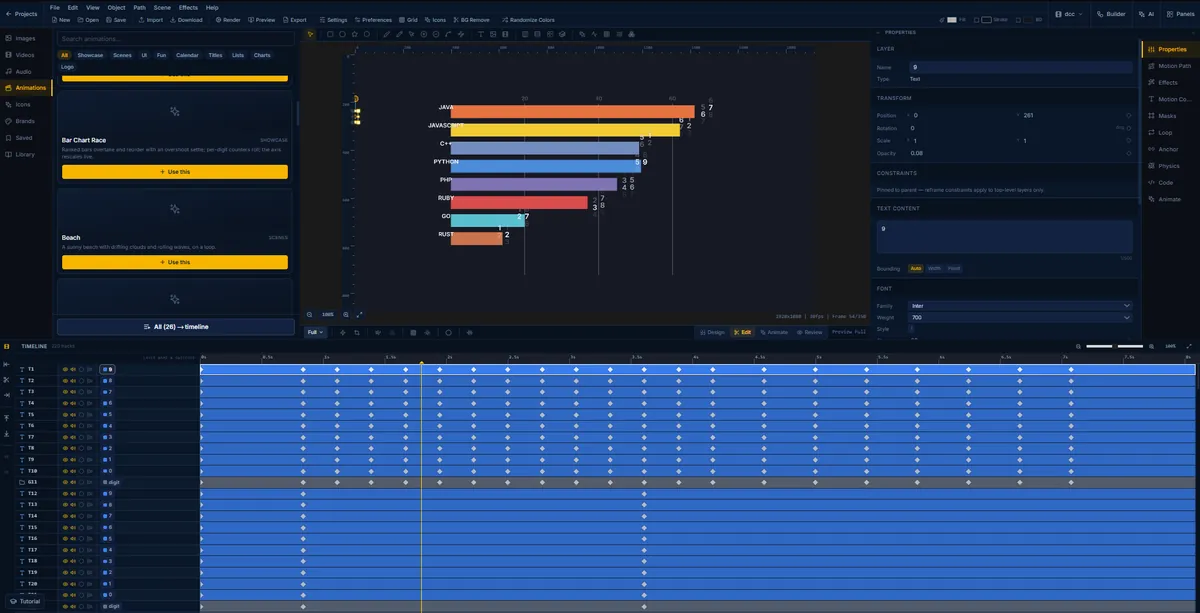
A bar chart race of programming languages animating in FlashFX, with per-digit counters rolling on 220 tracks
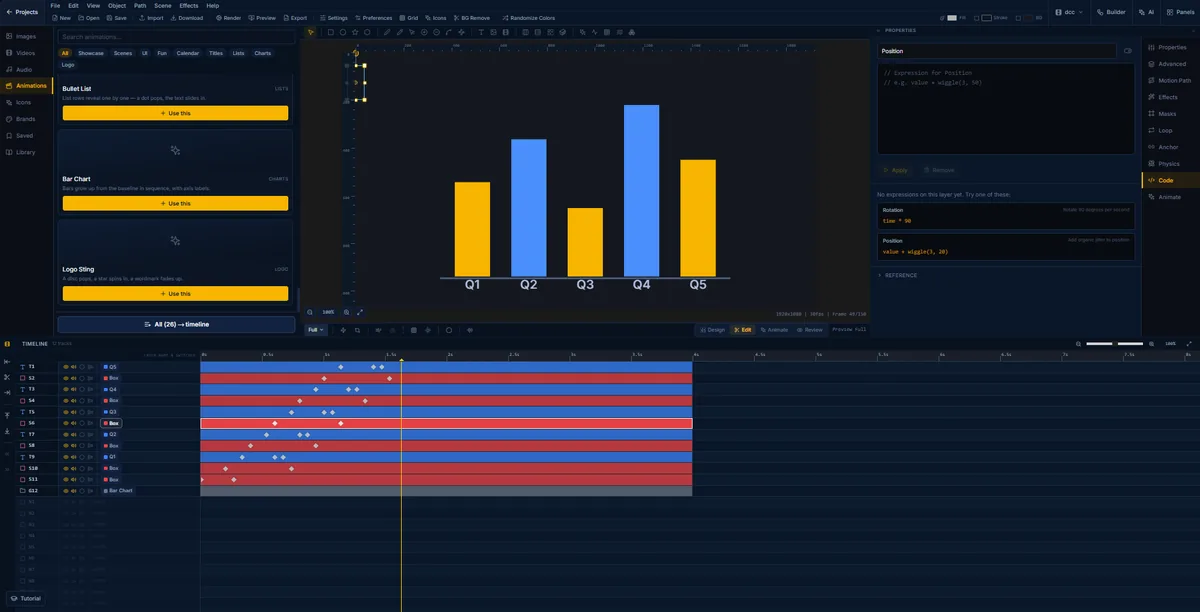
A five-quarter bar chart in FlashFX beside the code panel, with wiggle and rotation expressions offered as starting points
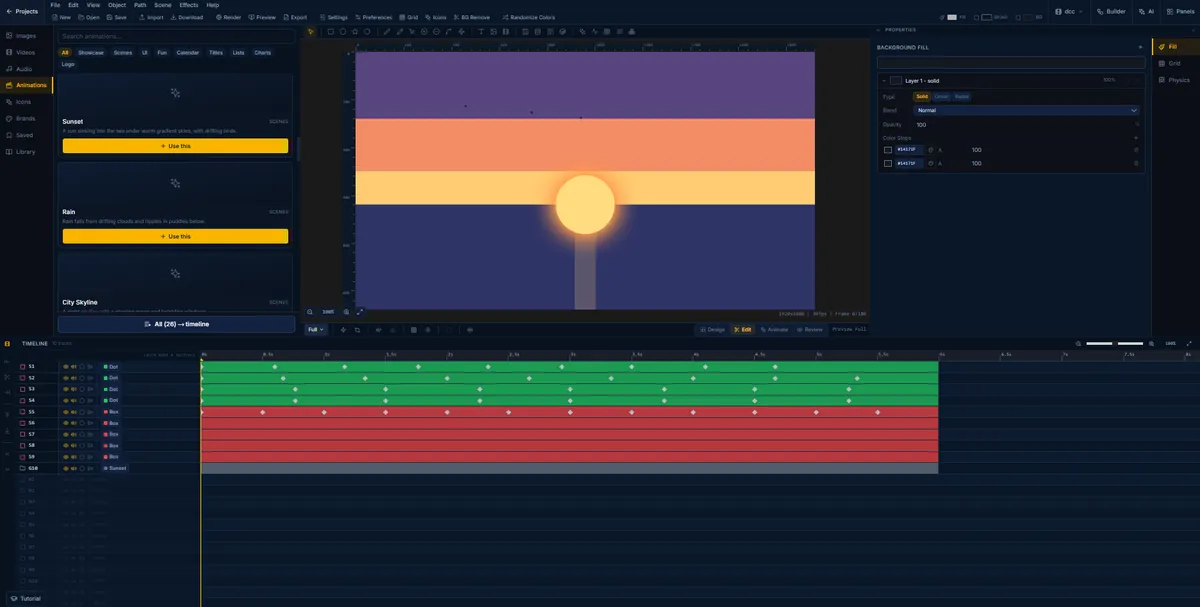
A sunset scene in FlashFX, the sun sinking into the sea under banded gradient skies
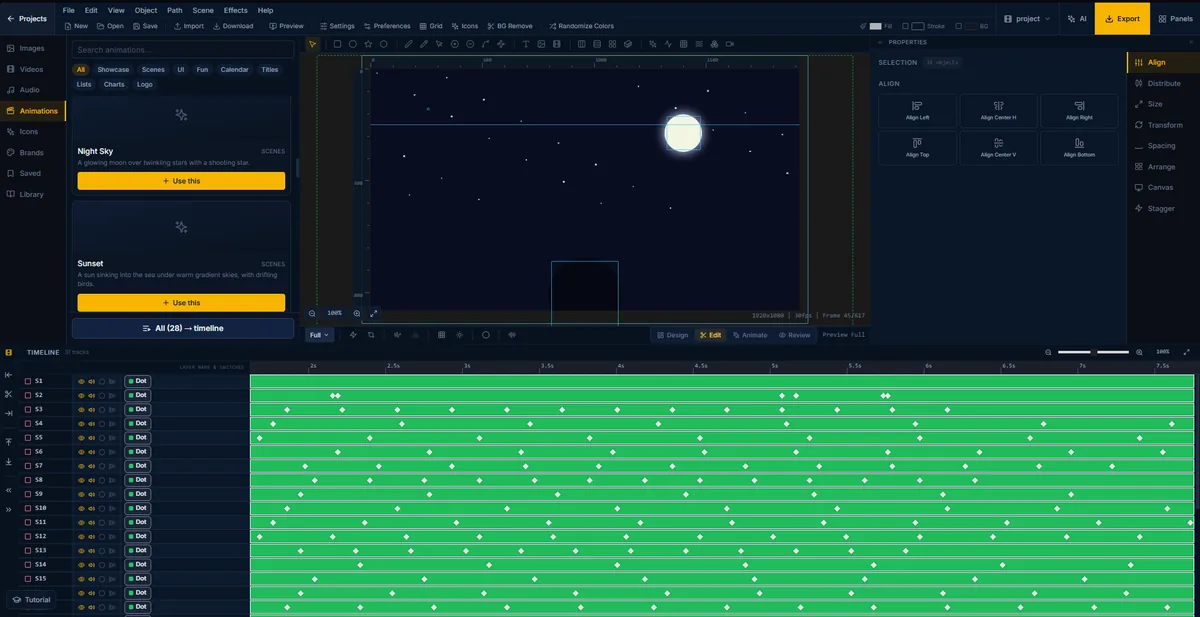
A night sky scene in FlashFX, a glowing moon over a starfield with thirty-one animated layers
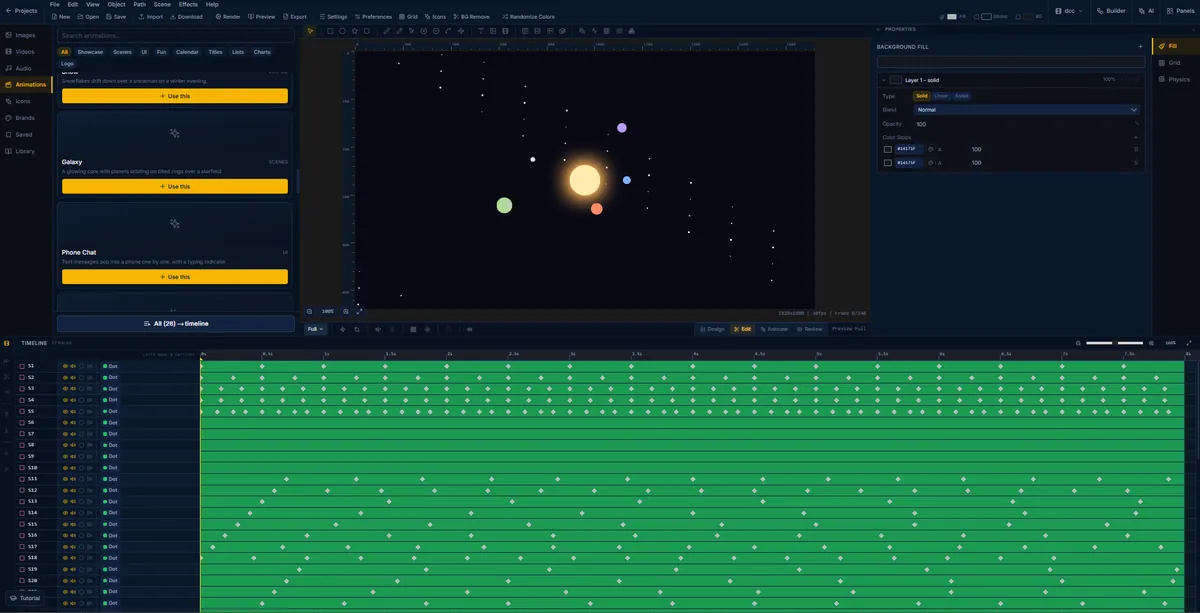
A galaxy scene in FlashFX, planets orbiting a glowing core over a starfield
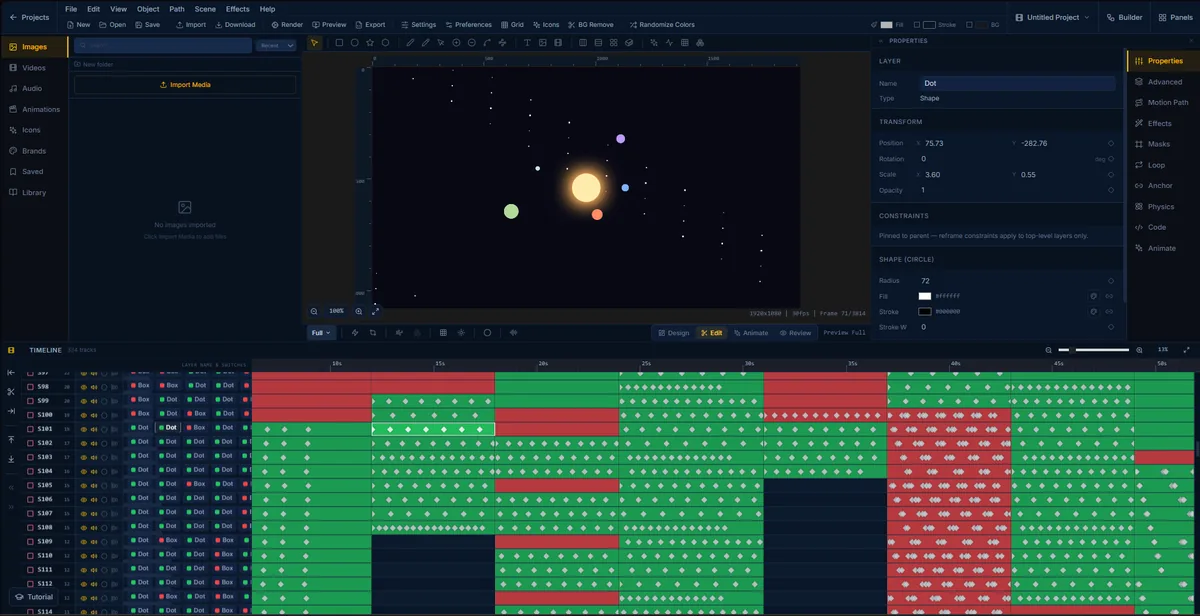
An orbiting solar system in FlashFX with a circle layer selected, its radius, fill and transform values open in the properties panel
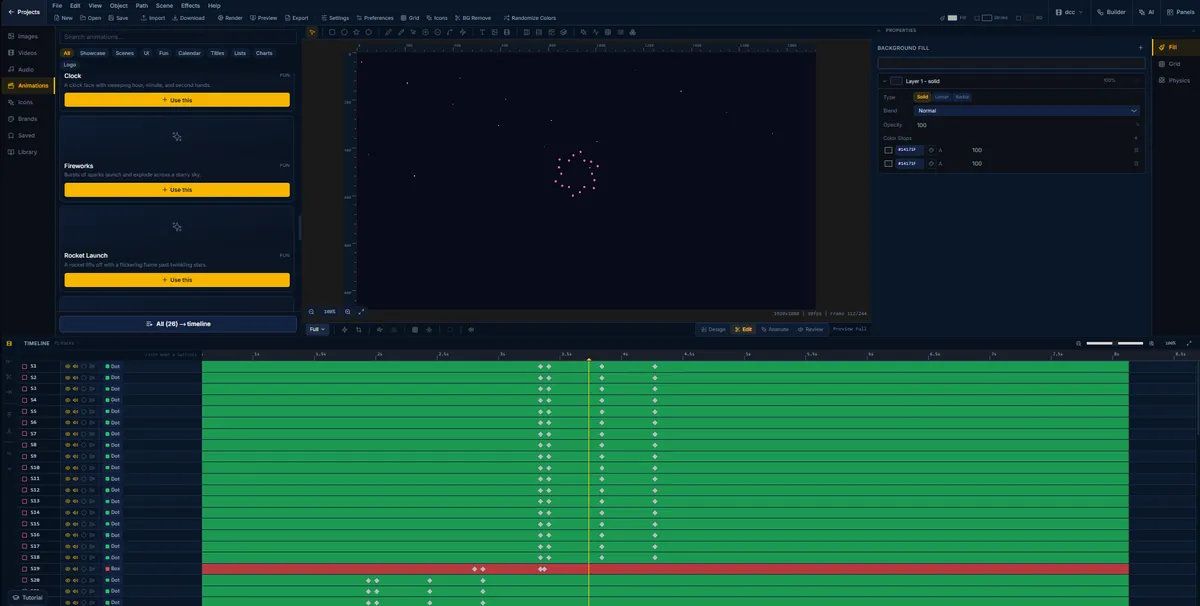
A fireworks animation in FlashFX, sparks bursting across a night sky on 75 tracks
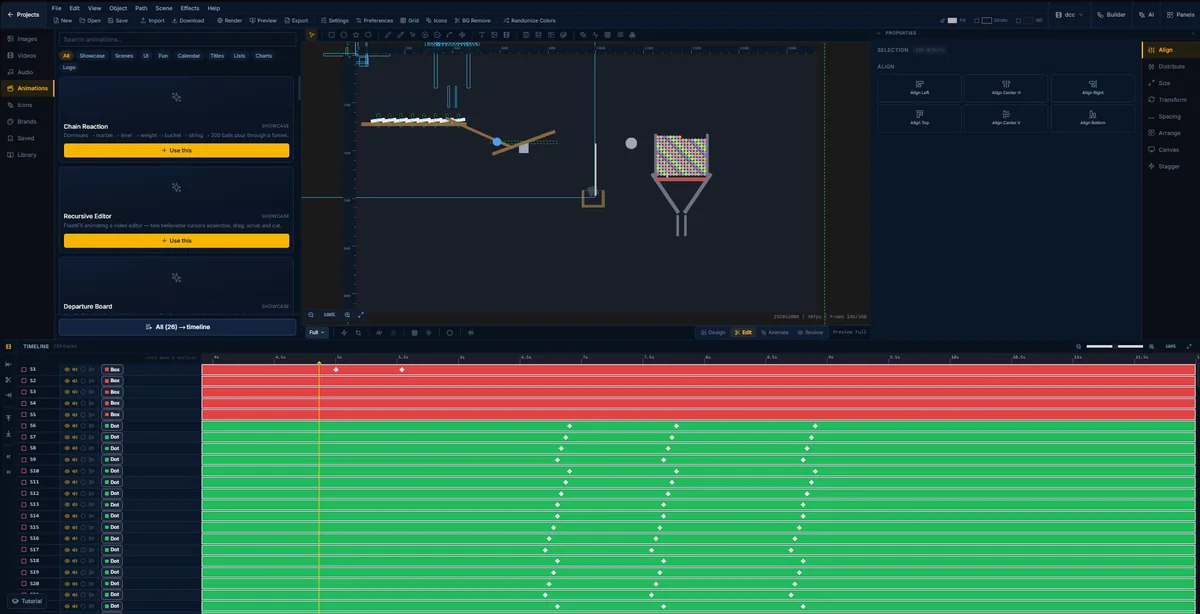
The chain reaction scene in FlashFX with 239 objects selected at once and the align and distribute panel open
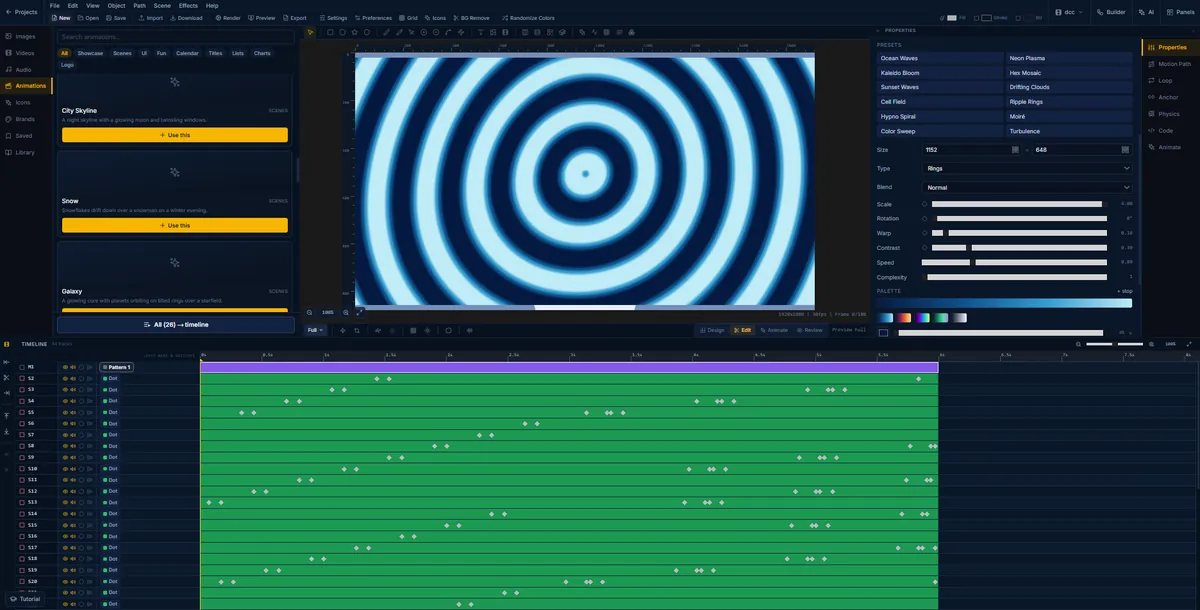
Concentric ripple rings generated in FlashFX, with scale, warp, contrast and speed controls
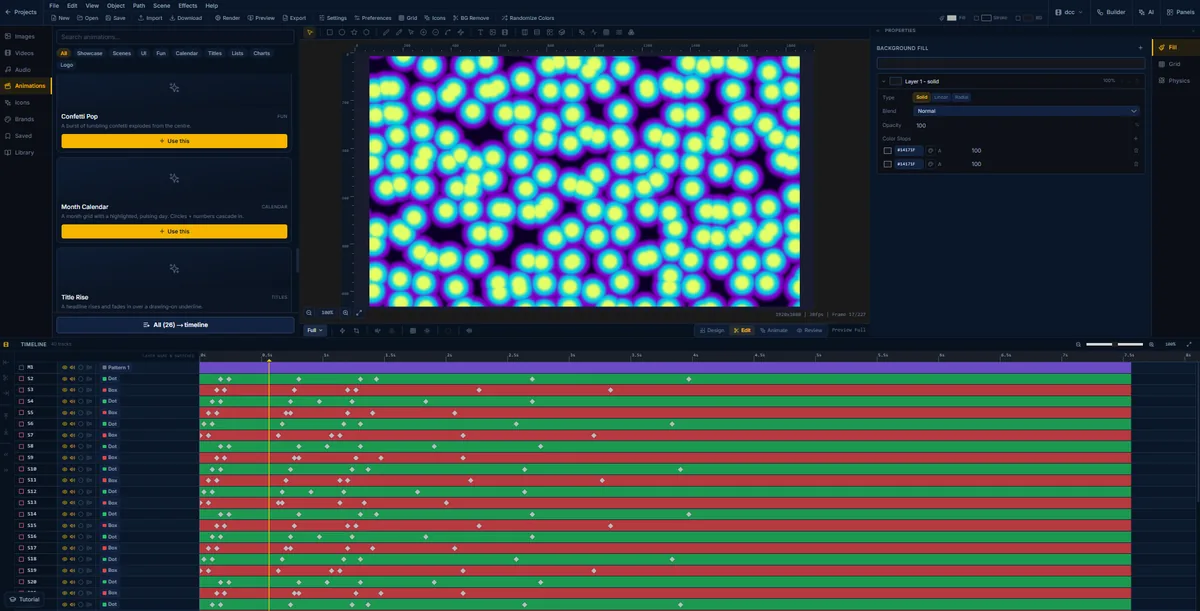
A neon plasma pattern in FlashFX, yellow blobs haloed in violet drifting across a black field on forty tracks
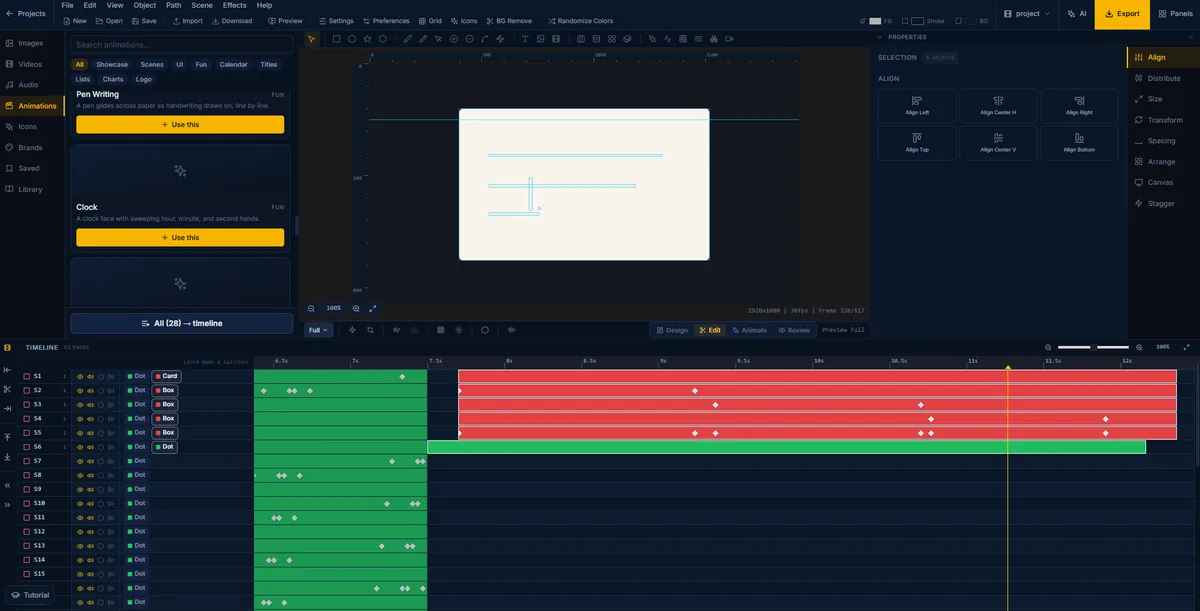
A handwriting animation in FlashFX, ruled lines drawing themselves onto a sheet of paper across a 617-frame timeline
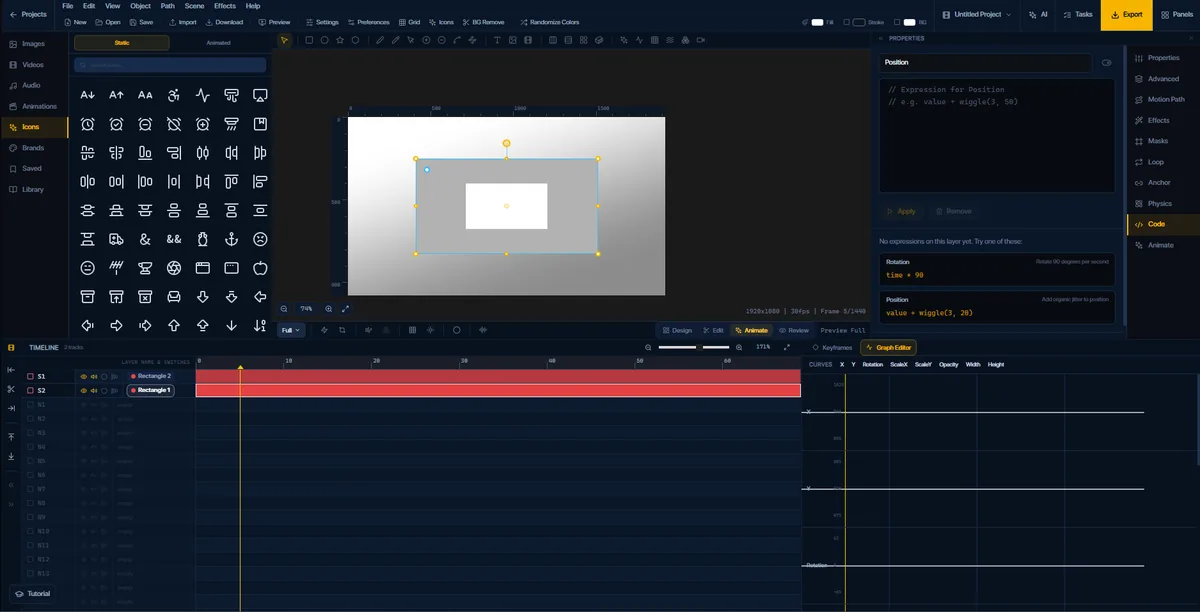
The FlashFX graph editor open on position, rotation, scale and opacity curves, with the expression panel beside it
Here are some examples
FlashFX is a browser based motion graphics tool for social media animations
Everything you need to animate
Animation presets
Keyframe Interpolation, like a rollercoaster!
EarnwithFlashFX
Two ways to make money with it. One you can start today.
Make videos, get paid
Short-form is where the attention is. Whole channels run on nothing but fast, repeatable motion graphics, and they pull view counts that would take years to build any other way.
Sponsorships follow those views. Brands pay for reach, and short-form is the cheapest reach on the internet right now. You do not need a huge following to get the first deal, you need volume and a look worth stopping for.
FlashFX is built for that loop. Animate in the browser, export vertical, post, repeat. No install, no overnight render, no reason to skip a day.
Share FlashFX, earn a cut
Promote FlashFX with a link of your own and take a percentage of what it brings in: a share of every person who signs up through you.
It scales with you. The bigger your account gets and the more it sends our way, the larger that percentage becomes.
This one is not live yet. Rates and terms have not been announced, and there is no waitlist. This section will be updated when the programme opens.
Nothing to sign up for yet.
FlashFX vs After Effects
Tired of lag?
FlashFX is built with performance optimisation in mind. You could run this on a school PC.
Everything FlashFX can do
Editor Features
The full suite of tools built into the FlashFX editor
Vector Design Tools
Draw rectangles, circles, stars, lines, and arrows with precision. Free-form pen tool with bezier curves, smoothing, and path closing.
Advanced Text System
Per-segment styling with different fonts, sizes, weights, and colors. Text curves, gradient fills, stroke, shadow, glow, and 70+ typography controls.
Material System
7 unique materials: Matte, Glossy, Metallic, Glass, Neon, Holographic, and Plastic. Each with animatable properties and multi-layer gradient fills.
70+ Image Filters
Professional filters across 14 categories: blur, sharpen, color grading, distortion, noise, stylize, lens effects, and more.
Keyframe Animation
50+ animatable properties with per-keyframe bezier handles. Animate transforms, colors, effects, filters, materials, and more.
Expressions
Drive any animatable property with an expression instead of keyframes, for motion that reacts and repeats without hand-placing every frame.
Repeaters & Cloners
Duplicate an element across a grid or pattern from one control, then offset and stagger the copies without building each one by hand.
Multi-Track Timeline
Dual timeline layout with clip management, named markers, frame-rate presets, loop mode, and pixel-per-second zoom control.
16 Easing Functions
From linear to elastic and bounce, with custom bezier curve control per keyframe. Full hold keyframe support for step interpolation.
Text Animation Modes
Animate text by character, word, line, or object level with stagger, masking reveals, and procedural text animator layers.
Shadow & Glow Effects
6 shadow types (Drop, Long, Soft, Hard, Inner, Ambient) and 5 glow types (Outer, Inner, Directional, Pulse, Rim Light), all animatable.
Gradient Fill System
Linear, radial, and conic gradients with multi-stop colors, per-stop opacity, animated angle control, and centered position adjustment.
Pattern Fill
Dots, lines, grid, diagonal, chevron, and custom SVG patterns. Animatable color, background, size, spacing, and angle properties.
Masking & Clipping
Stack multiple masks per element with feather, expand, invert, linked mode, and fully animatable mask properties.
Video Support
Import video files with GPU-accelerated playback. Trim, offset, transform, apply filters, and sync with the animation timeline.
Multi-Track Audio
Unlimited audio tracks with waveform visualization, fade in/out, per-clip volume, solo/mute, and perfect animation synchronization.
MP4 & WebM Export
H.264 and VP8/VP9 encoding via FFmpeg with quality presets, custom resolution, frame rate control, and real-time progress tracking.
PNG Sequence Export
Export every frame as a numbered PNG with transparent background support: perfect for compositing in external tools.
AI Image Generation
Generate images with DALL-E directly on your canvas using natural language prompts and import them instantly.
AI Chat Assistant
Natural language design commands with context-aware AI suggestions, chat history, and AI-powered design guidance.
Google Image Search
Find and import stock images directly into your project without leaving the editor. Preview before import.
Cloud Storage
Save and access projects from any device via Supabase. 50 MB without an account and 500 MB on the free tier, with automatic backup and secure user isolation.
Chroma Key
Green screen removal with color picker selection, similarity control, edge smoothness, and spill reduction.
16 Blend Modes
Multiply, Screen, Overlay, Difference, Luminosity, and 11 more: applied per layer for advanced compositing control.
Smart Guides & Snapping
Snap to grid, other elements, timeline markers, and keyframes with visual alignment guides and configurable grid size.
HBox & VBox Layouts
Auto-distributing horizontal and vertical layout containers with padding, margin, and nested layout support.
Groups & Layers
Nested grouping, z-ordering, enter/exit group editing, group-level transforms, and lock/hide per layer.
Icon Library
Large built-in SVG icon library with full-text search, chunk loading for performance, and drag-and-drop to canvas.
SVG Import
Import SVG files with fill/stroke color override, ViewBox preservation, aspect ratio control, and inline editing.
3 Layout Modes
Switch between Design, Animate, and Advanced modes. Each mode surfaces the tools you need without clutter.
Keyboard Shortcuts
Fully customizable shortcut system with conflict detection, visual keyboard layout guide, and extensible binding registry.
Unlimited Undo/Redo
Operation-based history with labeled entries, debounced commits, and efficient state snapshots for smooth editing.
Sequence Compositor
Create multiple sequences per project with independent duration, FPS, and instant switching between sequences.
Project Files (.flashfx)
Compressed JSON format with embedded assets, metadata, version history, and full cross-platform portability.
Media Pool
Centralized asset management with preview, metadata, search, rename, delete, type filtering, and storage quota tracking.
Tutorial System
Interactive onboarding with step-based guidance, spotlight highlights on UI elements, and a welcome modal for new users.
Context Menus
Right-click menus on canvas, layers, timeline clips, and media pool for fast contextual actions without leaving your workflow.
Settings & Preferences
Comprehensive settings for canvas appearance, shape defaults, animation defaults, keyframe display, and the code editor.
Auto-Backup
Automatic preview generation and periodic cloud backup for authenticated users. Guest mode auto-saves to localStorage.
Color Grading
Levels, RGB channel control, color balance (shadows/midtones/highlights), HSL adjustments, and curves for cinematic looks.
Pen Tool
Free-form bezier path drawing with smoothing, corner radius per point, dash arrays, trim start/end, and open/closed path toggle.
UI Components
Built-in Button, Chat Bubble, Input, Toggle, Modal, and Progress Bar shapes: perfect for interface mockups and product demos.
Arrow & Line Tools
Configurable arrowheads (Triangle, Circle, Bar, Diamond), dash arrays, line cap/join styles, and auto-scale arrow size.
Interpolation Graph
Visual bezier curve editor for per-keyframe easing. Drag handles to sculpt custom motion curves with precision.
Frame Rate Presets
24 fps (Film), 25 fps (PAL), 30 fps (HD), 60 fps (High), and 120 fps (Ultra): switch anytime without losing your work.
Asset Management
Organize and reuse images, audio, and video across projects. Browse, preview, and import from a single centralized panel.
AI Motion Pipeline
4-stage AI generation (Validate → High-Level → Low-Level → Placement) with progress tracking and partial success handling.
Editable Properties
Every visual property you can control and animate on any element
Transform
X/Y position, width, height, rotation in degrees, and opacity (0-1). The foundational spatial properties of every element.
Solid Fill Color
Direct hex color fill for the element background. The base layer beneath gradients, patterns, and materials.
Material Fill System
Multi-layer gradient fill system with linear and radial layer types, color stops, blend modes, per-layer opacity, and animated transitions.
Stroke & Border
Stroke color, pixel width, and full multi-layer material support for stroke, enabling gradient and textured outlines.
Corner Radius
Pixel-level corner rounding applied uniformly to rectangle shapes. Animatable for smooth morphing transitions.
Linear Gradient
Directional gradient fill with 6 direction presets (top-to-bottom, diagonal, etc.), multi-stop colors, per-stop opacity, and animated angle.
Radial & Conic Gradients
Radial gradients with 5 center presets and conic sweep gradients, both with full color stop control and animated positioning.
Pattern Fill
Repeating fill patterns: dots, lines, grid, diagonal, chevron, or custom SVG. Animatable color, background, size, spacing, angle, and opacity.
Blend Modes
16 element-level blend modes: Multiply, Screen, Overlay, Difference, Luminosity, Hue, Saturation, Color, and more for advanced compositing.
Groups & Nesting
Group elements with shared parent transforms, nested z-ordering, and HBox/VBox auto-layout containers with padding and margin.
Clipping Masks
Stack unlimited clip masks per element in rectangle, circle, star, or line shapes. Each mask supports feather, expand, invert, linked mode, and full animation.
Shadow Masks
Separate mask shapes applied exclusively to shadow output. Control which portion of a shadow is visible with the same mask toolset.
Drop Shadow
Classic shadow with X/Y offset, blur radius, color, and opacity. The standard shadow type for depth and elevation.
Inner Shadow
Shadow applied inside the element border with per-edge control (top/right/bottom/left), blur, X/Y offset, and color.
Long Shadow
Extended shadow cast at a configurable angle with adjustable length and opacity decay for flat-design depth effects.
Soft Shadow
Blurred ambient shadow with spread radius and softness control for natural, diffused light environments.
Hard Shadow
Sharp, edge-defined shadow with X/Y offset and color. No blur, for precise graphic and illustration shadow styles.
Ambient Shadow
Omnidirectional ambient shadow with opacity and spread control, simulating soft global light wrap around elements.
Outer Glow
Exterior glow surrounding the element with configurable radius, intensity, color, and falloff for neon and lit effects.
Inner Glow
Glow applied inside the element boundary with thickness and intensity control for internal lighting effects.
Directional Glow
Angled light beam glow with direction angle, strength, and spread: perfect for spotlight or sun-ray effects.
Pulse Glow
Animated glow that oscillates between min and max radius at a configurable speed, creating a living energy effect.
Rim Light
Edge lighting effect with color, thickness, brightness, and angle: ideal for 3D-style highlights and backlit silhouettes.
Material Presets
7 surface presets, Matte, Glossy, Metallic, Glass, Neon, Holographic, Plastic, each with unique visual properties and animatable parameters.
Brightness & Contrast
Core tonal controls: brightness (−100 to 100), contrast (−100 to 100), exposure, and gamma correction for overall image balance.
Temperature & Vibrance
Color temperature for warm/cool shifts, green/magenta tint balance, vibrance (smart saturation), and full saturation control.
HSL & Monochrome
Hue rotation (−180° to 180°), lightness, and monochrome filters: grayscale, invert, and sepia tone adjustment.
Color Balance
Independent RGB adjustments for shadows, midtones, and highlights: the standard three-range color grading workflow.
Levels & RGB Channels
Black point, midpoint, and white point level control. Per-channel red, green, blue intensity from 0 to 200.
Gaussian & Box Blur
Standard gaussian blur (0-50px radius) and box blur for softer, averaged results. Surface blur for edge-preserving smoothing.
Motion & Radial Blur
Directional motion blur with angle and distance, and radial/spinning blur with configurable center X/Y position.
Sharpen & Clarity
Unsharp mask (amount, radius, threshold), basic sharpen, and clarity enhancement for crispness and texture recovery.
Noise
Add film grain with gaussian, uniform, or salt-pepper noise types (0-100). Reduce noise with median filter for smoothing.
Ripple & Wave Distortion
Ripple wave with amplitude and wavelength control. Horizontal and vertical wave distortion for fluid, organic movement.
Twirl, Spherize & Pinch
Rotational twirl (−360° to 360°), spherical lens distortion, pinch inward, and bulge outward for shape warping.
Lens Effects
Vignette with roundness and feather, lens flare with X/Y position, chromatic aberration color fringing, and barrel/pincushion lens distortion.
Stylize Effects
Oil paint (brush size, detail), cartoon (edges, color levels), pencil sketch, watercolor granularity, and emboss with angle and amount.
Edge & Pixel Effects
Edge detection sensitivity, pixelate (1-50px), mosaic tiling, glowing edges with intensity, and posterize level control.
Special Effects
Solarize threshold, threshold cutoff, halftone dot size, crystallize tile size, and Chroma Key with color picker, similarity, edge smoothness, and spill reduction.
Animation Presets
Ready-to-use preset animations for elements and text
Collapse
Scale element down to 0
Expand
Scale element from 0 to normal size
Pop In
Scale 0.7 → 1.05 → 1.0 with spring overshoot
Pop Out
Scale 1.0 → 1.1 → 0 with overshoot exit
Pulse
Scale 1.0 → 1.08 → 1.0 attention loop
Breath
Gentle continuous scale loop 0.95 ↔ 1.0
Slide In Left
Element enters from offscreen left
Slide In Right
Element enters from offscreen right
Slide In Top
Element enters from offscreen top
Slide In Bottom
Element enters from offscreen bottom
Slide Out Left
Element exits to the left offscreen
Slide Out Right
Element exits to the right offscreen
Slide Out Top
Element exits to the top offscreen
Slide Out Bottom
Element exits to the bottom offscreen
Nudge Left
Small leftward position shift and return
Nudge Right
Small rightward position shift and return
Nudge Up
Small upward position shift and return
Nudge Down
Small downward position shift and return
Snap Back
Element snaps back to original position
Fade In
Opacity animates from 0 to 1
Fade Out
Opacity animates to 0
Flash
Opacity: 1 → 0 → 1 flash burst
Blink
Continuous 1 ↔ 0 opacity loop
Twist In
Rotate from -15° to 0° on entry
Twist Out
Rotate to +15° on exit
Spin In
Full -180° to 0° rotation entry
Spin Out
Full 0° to +180° rotation exit
Wobble
Rock -6° → +6° → -4° → 0° oscillation
Bounce In
Scale overshoots then settles at 1.0
Bounce Out
Forward bounce then exits offscreen
Overshoot Scale
Scale 0.9 → 1.1 → 1.0 with settle
Snap
Quick easing change with sharp snap feel
Point Left
Move left then return to origin
Point Right
Move right then return to origin
Point Up
Move up then return to origin
Point Down
Move down then return to origin
Shake X
Rapid horizontal shake back and forth
Shake Y
Rapid vertical shake up and down
Grow Width
Animate width from 0 to full size
Grow Height
Animate height from 0 to full size
Center Expand
Element expands outward from its center
Edge Expand
Element expands outward from its edge
Zoom Focus
Scale up with position shift toward subject
Zoom Out
Scale down with fade for pullback effect
Fast In
Quick ease-in entry with sharp acceleration
Fast Out
Quick ease-out exit with sharp deceleration
Smooth In Out
Smooth easing on both entry and exit
Aggressive Snap
Very short duration with maximum easing curve
Appear
Fade combined with scale-in entry
Disappear
Fade combined with scale-out exit
Enter
Slide combined with fade-in from side
Exit
Slide combined with fade-out to side
Emphasize
Scale pulse with overshoot for emphasis
Typewriter
Characters appear one by one with opacity animation
Slide Up
Characters slide up with position Y and opacity fade
Line Reveal
Lines revealed with animated mask height
Fade In Words
Words fade in sequentially with stagger
Scale In
Characters scale in from center with opacity
Blur In
Words blur in with combined opacity fade
Script Write
Handwriting-style character reveal effect
Word Pop
Words pop in with scale bounce per word
Mask Wipe
Directional mask wipe reveal across text
Fade In Order
Sequential opacity fade per text segment
Underline Write
Text appears alongside an animated underline
Rise From Baseline
Characters rise up from the text baseline
Drop In
Characters drop in from above the text line
Scale Up
Characters scale up to full size on entry
Elastic In
Characters enter with elastic spring bounce
Flip In
Characters flip in on the horizontal axis
Split Reveal
Text splits from center and reveals outward
Slide Out
Text segments slide out to a direction
Fade Out Order
Sequential opacity fade-out per segment
Collapse Text
Text collapses and scales down to a point
Explode
Text fragments scatter outward on exit
Sink
Characters sink downward out of frame
Pulse Text
Text pulses with scale loop for emphasis
Wiggle
Text segments wiggle with rotation loop
Bounce Text
Characters bounce vertically in sequence
Shake Text
Characters shake rapidly for impact
Glow Pulse
Text glows with a pulsing light effect
Morph In
Text morphs into position from an abstract form
Stretch In
Text stretches horizontally into final shape
Skew Snap
Text snaps into position with skew transform
Perspective Push
Text pushes in with 3D perspective depth
Kinetic Flow
Complex multi-property kinetic motion sequence
Wave Write
Characters wave in along a sine path
Fragment Assemble
Text fragments fly in and assemble together
Neon Draw
Text draws itself with a neon glow effect
Glitch In
Text glitches into view with distortion artifacts
Magnetic Align
Text characters magnetically snap into alignment
- : Like the 300+ 3D features
- : 110 image effect filters
- : Team collaboration features
- : Not to mention all marketplace templates
- : And all AI features
Not convinced yet?
Then let us talk about the AI
Multi-agent AI editing
Several agents work the same timeline at once, each on its own span, so a long edit is not a queue.
- One agent per stretch of the timeline
- Up to six working at the same time
- Each one edits its own span independently
Non-destructive AI editing
Other tools generate a video and hand you a file. FlashFX does not generate video at all. The AI uses the editor: it works on your footage, cuts long videos, and builds real animation, and everything it touches stays editable at full scale afterwards. It can call other AI tools when it needs them, but what you get back is a project, not a render.
Need help with the software? AI can help
If you would rather do the work yourself, ask. Say what you are trying to do and it explains where to go and what to change.
- Ask how to do something and get the steps
- Answers point at the panel you need
- Or follow along on YouTube instead
Inspired from the best
The speed of CapCut, the depth of Premiere Pro, the way Figma treats a canvas, and what Rive does with interaction. All of it wired into one editor.


The possibilities are endless
Official FlashFX plugins, plus plugins built by the people using it. Community ones are reviewed before they ship, so submissions are not open to everyone yet. Templates and presets work the same way: what ships is a starting point, not the ceiling.
Pricing
Simple, honest pricing.
Client side features are free, server side features are paid because they have to be paid on our side.
Free
Everything you need to start creating motion graphics.
Free
Includes
- Unlimited Projects
- 500 MB Cloud storage
- Export formats (MP4 / GIF / WebM / SVG)
- Full editor: shapes, text, images, timeline
- Keyframe system & easing curves
- Custom fonts
- All shapes 3D primitives
- 3D model import, textures, HDRI & timeline 3D
- 1M / month AI credits
- Comments & guest access
- 30 days Version history
- Advanced materials (PBR / toon / wireframe)
- Team workspace & real-time collaboration
Pro
Most PopularUnlock AI, full 3D, and priority support for serious creators.
$23/mo
Billed $278/yr · saves $70/yr
Includes
- Everything in Free
- 20 GB Cloud storage
- Priority support
- Full 3D: all primitives, materials, lighting
- 3D model import (GLB / OBJ / FBX / STL)
- 50M / month AI credits
- AI motion graphics, assistant & image tools
- AI background remover & sound generator
- Brand kit & admin dashboard
- 60 days Version history
- Long-form agents
- AI in 3D
Ultra
Long-form agents, AI in 3D, and 200M credits a month.
$71/mo
Billed $854/yr · saves $214/yr
Includes
- Everything in Pro
- Long-form agents (multiple parallel scenes)
- AI in 3D
- 200M / month AI credits
- 70 GB Cloud storage
- Team workspace & real-time collaboration
- Shared asset library
- Role management (Admin / Editor / Viewer)
- Comments & annotations
- Team templates & guest access
- 90 days Version history
Frequently Asked Questions
All Links
Click any node to explore: stay connected across platforms